The Anyport Team
Deploying from CI with a credential that is not a person
The quickest way to deploy from CI is to paste somebody's own login into a repository secret. It works on the first day and goes wrong in four ways later. What a CI credential should be, and why the deploy step should wait for the rollout rather than the upload.
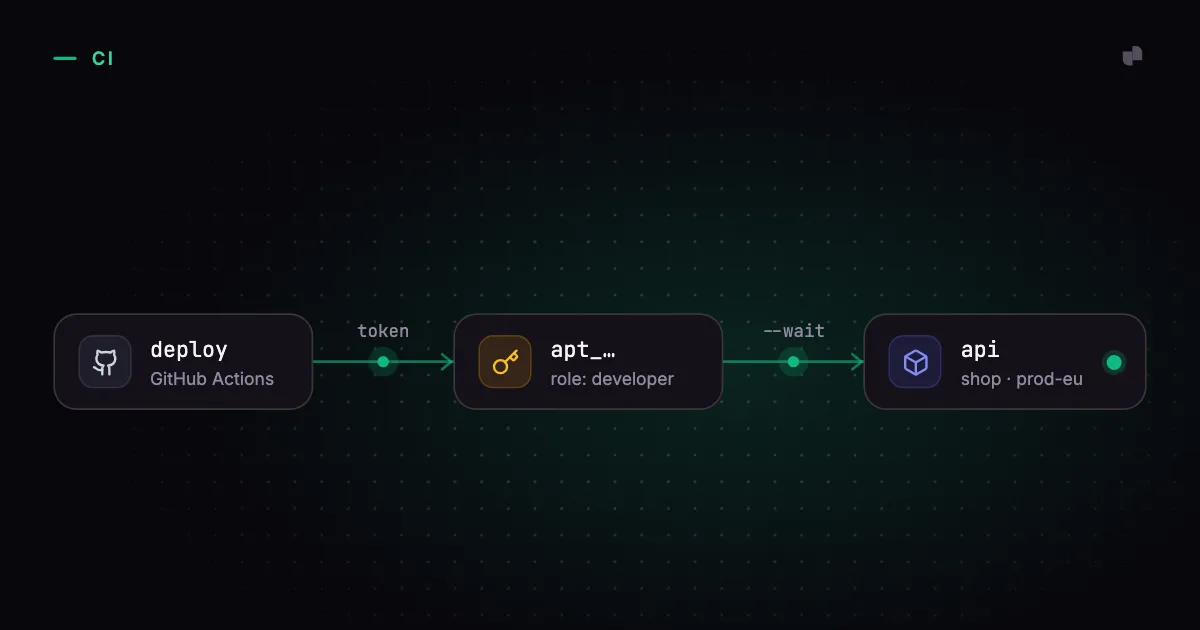
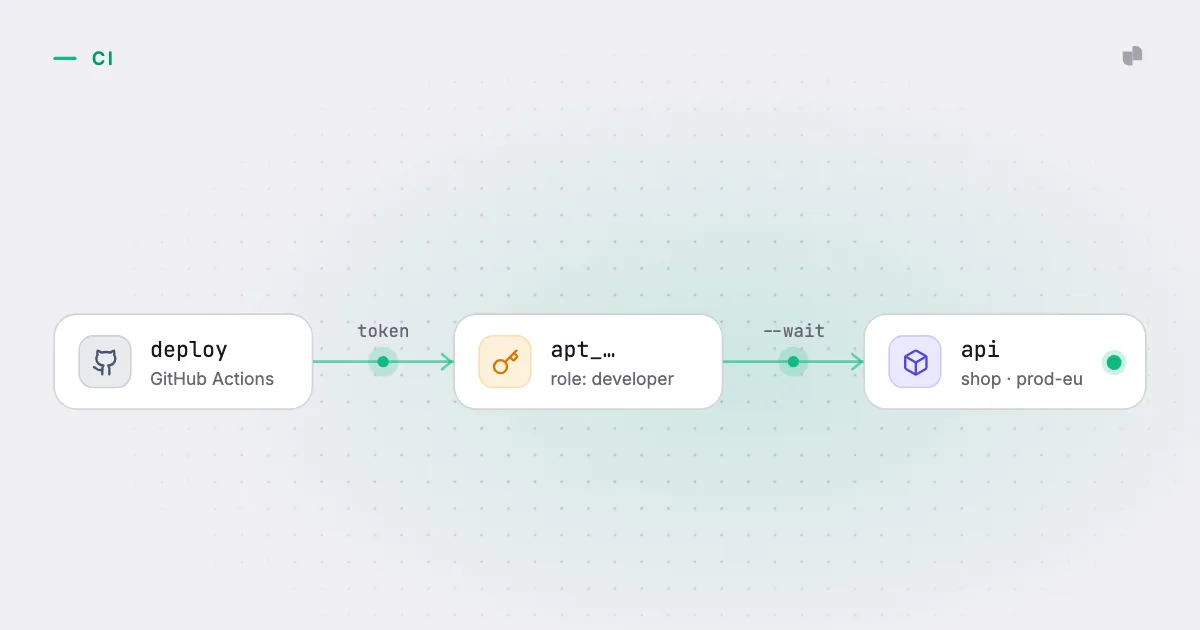
The first deploy from CI almost always runs as a person. Somebody logs in, copies their session token into the repository's secrets, and the pipeline goes green. It keeps going green until one of four things happens, and none of them happen on the day the token is pasted.
The person leaves, and their account is removed, and every deploy fails on the Friday after their farewell. Or the token expires on its own schedule, which is never a convenient one. Or somebody reads the audit log during an incident and finds that the same engineer deployed to production at three in the morning every night for a year. Or the token is lifted from a compromised build, and it turns out to hold everything that person could do: delete projects, invite members, change billing.
What a CI credential should be
Each of those failures points at one property the credential lacked.
It belongs to the organization. A deploy job is not a member of the team, so it should not be a member's identity, count as a seat, or disappear when a person does. It carries the organization it acts in, so the job never has to name one.
It holds one role, and the smallest that works. A deploy needs to change an app. It does not need to manage members or settings, and a credential that can is a larger blast radius for no gain. Where some projects are protected, the job should be granted the right to deploy to staging without being able to touch production, the same way a person would be.
It has a name. The audit log should say that github-actions deployed the API at 03:00, not that a person did. The name is also what makes a leaked token findable: you revoke the one called github-actions rather than rotating your own password and hoping.
It can end on its own. An expiry date set when it is created, a revocation that takes effect at once, and a record of when it was last used, so a token nobody has touched in three months can be removed with confidence.
Refuse the wrong kind of token outright
Having the right kind of credential is half of it. The other half is making the wrong kind fail early. A session token in a CI secret is the default mistake, and a deploy step that accepts one will keep accepting it until the day it expires. So the step should look at what it was given and refuse anything that is not a service credential, with a message that says how to create one.
The same reasoning applies to the machine the job runs on. A self-hosted runner is often a developer's spare server, with that developer still logged in to the CLI. A deploy step that reads the runner's own configuration can quietly deploy as that person, into whatever organization they last used. The step should start from an empty configuration, every time, so the only identity in play is the one in the secret.
Wait for the rollout, not the upload
Plenty of deploy steps return when the platform accepts the request. The job is green, the commit gets its tick, and the rollout fails ninety seconds later because the new version cannot reach its database. Nobody is looking at the platform by then. The commit that broke production says it succeeded.
A deploy step should end when the rollout does. If the new version does not become ready, the job fails, and the red cross is on the commit that caused it, which is where a person looks first. That costs some runner minutes spent waiting, and it needs a timeout so a rollout that hangs does not hold the job forever. Both are cheaper than a green build that lied.
Two smaller decisions follow from the same thinking. Deploy an immutable tag, the commit SHA rather than latest, so every deploy is its own revision to roll back to. And hand the app's address back to the workflow, so a GitHub environment can link the deployment from the pull request.
How this works in Anyport
A service token is created by an admin and printed once:
anyport token create github-actions --role developer --expires-in 90It acts as a member with a fixed role (developer, viewer or admin), carries its organization, does not count as a seat or appear in the members list, and shows up in the audit log under its own name. anyport token ls shows each token's prefix and last use, and anyport token revoke ends one at once. On a protected cluster or project, a grant can name a token the way it names a person: anyport access grant staging github-actions --role developer.
From GitHub Actions, the deploy is one step with anyport-labs/deploy-action:
- uses: anyport-labs/deploy-action@v1
  with:
    token: ${{ secrets.ANYPORT_TOKEN }}
    project: shop
    app: api
    image: ghcr.io/acme/api:${{ github.sha }}
It installs the CLI, checked against the release checksums, refuses a token that is not a service token, runs from an empty configuration, and deploys with --wait, so the step fails when the rollout does. wait-timeout bounds the wait at five minutes by default, publish: false saves a draft to review in the console instead, and the url output is the app's first public address. From any other CI it is anyport app deploy with ANYPORT_TOKEN set. The CLI documentation has the rest.